Family reimbursements
How to Track Money You Pay for Elderly Parents
The simplest way to track money you pay for elderly parents is to keep one clear running record of every bill, purchase, repayment, and remaining balance. Record the date, amount, what it was for, who paid, who should reimburse it, repayments, and what is still open.
Quick example
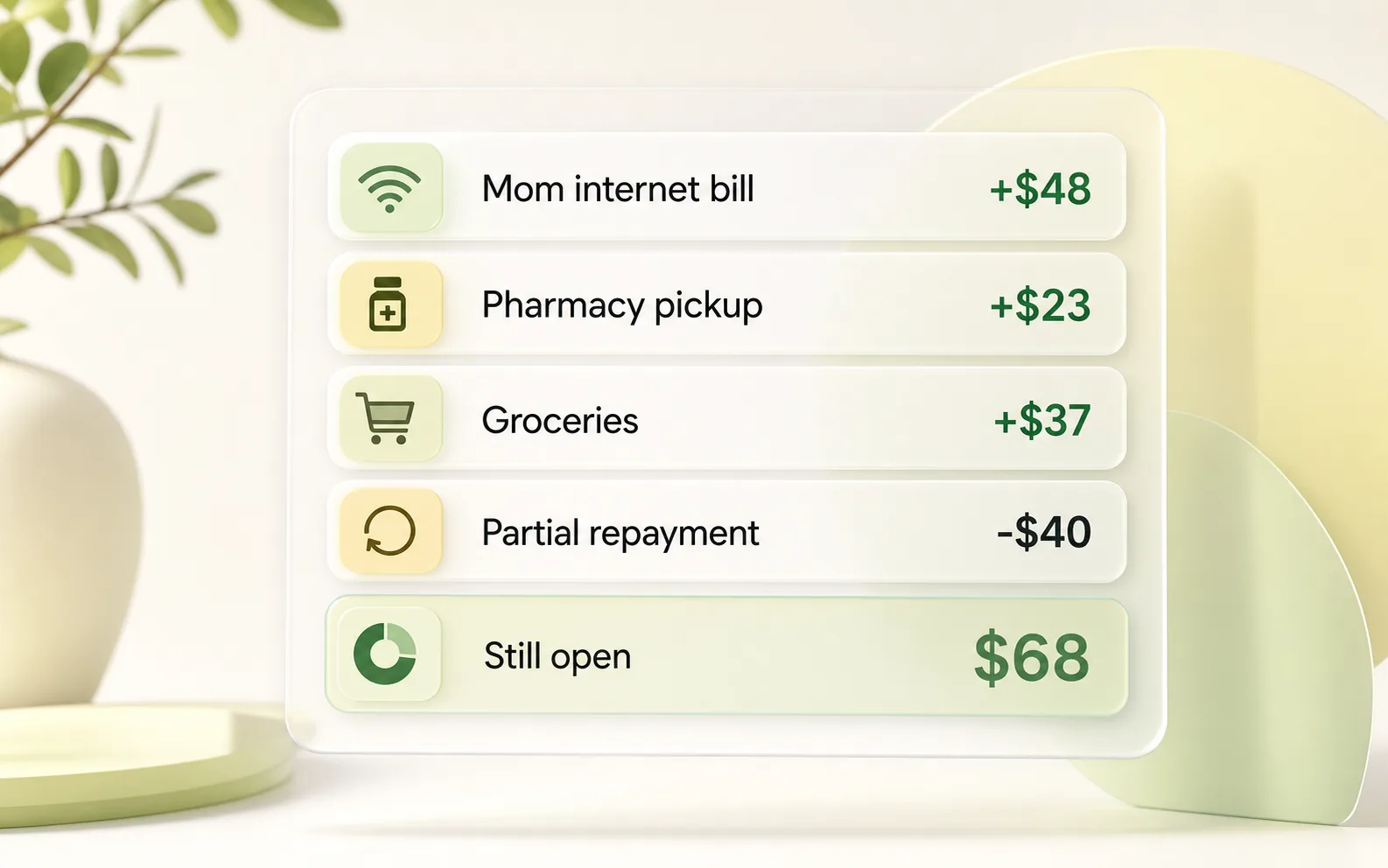
Internet bill $48 + pharmacy pickup $23 + groceries $37 - partial repayment $40 = $68 still open.
If you need to ask about the rest after a partial repayment, keep the remaining balance specific and thank them for what they already sent.
The goal is to keep parent-bill details out of your head so the next family review starts from a clear record, not from memory.
Track family reimbursements in You Owe Me
Keep parent expenses, pharmacy purchases, subscriptions, sibling reimbursements, repayments, and remaining balances in one clear record.
Need the ongoing app workflow? See the elderly parent expense tracker.
Download You Owe Me on the App Store
What to track when you pay for a parent
A good parent reimbursement record does not need to be complicated. It just needs to answer the question you will probably ask later:
"What happened, what was repaid, and what is still open?"
Track these fields:
- Date
- Parent or family member
- What you paid for
- Category
- Amount paid
- Who paid
- Who should reimburse it
- Repayment received
- Remaining balance
- Review or due date
- Notes or receipt reference
What not to over-document
Keep notes short and practical. For care-related or pharmacy purchases, you usually do not need to write sensitive personal details. A simple note like "pharmacy pickup" or "monthly supplies" is often enough.
Use this guide to decide what belongs in the parent-bill record. When you want the same fields as a downloadable workbook, use the Family Reimbursement Tracker Template.
Common parent expenses this works for
Recurring bills
Internet, phone plans, utilities, cloud storage, subscriptions, and other charges that repeat every month.
Groceries and household items
Food, cleaning supplies, home basics, and everyday purchases you cover for a parent.
Pharmacy or care-related purchases
General pharmacy pickups, supplies, transport, or other care-related errands where the reimbursement should stay clear.
Online orders
Items ordered from Amazon, local stores, delivery apps, or other online services because your parent does not want to manage the payment.
Travel or appointments
Taxis, rides, tickets, bookings, or travel costs you pay first and settle later.
Sibling-shared costs
Expenses one sibling pays first and another sibling reimburses later.
A simple parent reimbursement workflow
Use this workflow when the expenses happen more than once and you do not want to rebuild the story from texts, receipts, and memory.
If you want a ready-made spreadsheet-style starting point, use the free Family Reimbursement Tracker Template.
Record the payment when it happens
Add the amount, date, parent name, and a short description. Example: "Mom - internet bill - $48 - May 2."
Mark whether it should be reimbursed
Not every family payment needs repayment. Some help is a gift, some is shared, and some should be paid back. Mark the expectation while the context is fresh.
For broader temporary support between family members - for example rent, groceries, or bills covered while someone repays in steps - use the Temporary Financial Support Tracker.
Add repayments as separate entries
If your parent or sibling sends back part of the money, do not overwrite the original expense. Add the repayment as its own row, such as "Mom - partial repayment - $40 - May 8."
Keep one running balance
The running balance should show what is still open after every new expense or repayment.
Review weekly or monthly
Instead of sending several small reminders, review the balance once and send one calm summary.
Share a summary before asking for repayment
A summary makes the conversation easier because the other person can see what the amount is based on.
Example parent reimbursement log
| Date | Family member | What it was for | Type | Amount paid | Repayment | Running balance | Note |
|---|---|---|---|---|---|---|---|
| May 2, 2026 | Mom | Internet bill | Expense | $48 | - | $48 | Recurs monthly |
| May 5, 2026 | Mom | Pharmacy pickup | Expense | $23 | - | $71 | Receipt saved |
| May 9, 2026 | Mom | Groceries | Expense | $37 | - | $108 | Weekend shop |
| May 12, 2026 | Mom | Partial repayment | Repayment | - | $40 | $68 | Sent by bank transfer |
| May 15, 2026 | Dad | Phone plan | Expense | $25 | - | $25 | Separate balance |
The important part is that repayments are recorded separately. That way the history stays clear and the remaining balance does not depend on memory.
How to handle sibling reimbursements
Parent expenses often become more complicated when siblings are involved.
One person may pay first because they are nearby, have the parent's login, or handle online payments. Another sibling may agree to cover half later. Without a clear record, the person paying first becomes the family accountant by default.
Still deciding what each sibling should contribute? Compare ways to share parent expenses with siblings before you open the expense record.
A simple sibling reimbursement record should show:
- who paid first
- what the parent expense was for
- which sibling should contribute
- how much each person agreed to cover
- what has already been repaid
- what remains open
If you paid a $120 parent utility bill and your sibling agreed to cover half, record the full bill first, then record your sibling's $60 share as the amount to be reimbursed. If they send $30 now and $30 later, record both repayments separately.
Monthly parent bill review
A monthly review is usually calmer than bringing up every small purchase separately.
If recurring bills are the main part of the parent record, see the dedicated guide to tracking subscriptions and bills you pay for family.
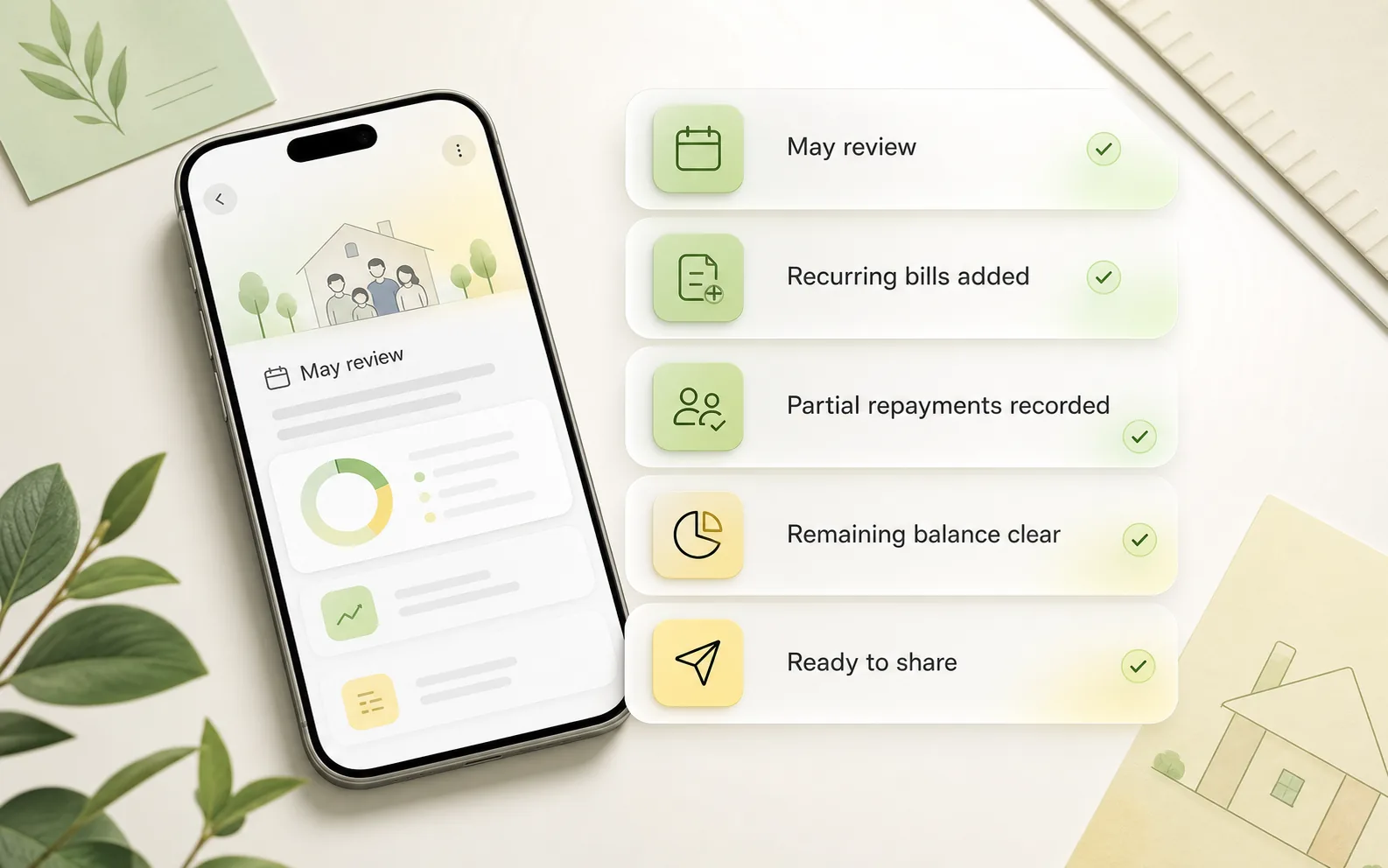
Are recurring parent bills added?
Are pharmacy or grocery purchases recorded?
Are sibling shares clear?
Are partial repayments recorded?
Is the current balance correct?
Is anything old enough to follow up on?
Would one summary message be better than several reminders?
Are notes practical without sensitive details?
Need a template for this?
Use the free Family Reimbursement Tracker Template.
What to say when you need to share the balance
When you have a clear record, the message can stay calm because you are not asking the other person to trust your memory.
If the balance is clear but the wording feels awkward, use the Polite Payback Reminder Generator to create a calmer message. You can also browse repayment reminder text examples for family-safe wording, partial repayments, and overdue balances.
When a spreadsheet is enough and when You Owe Me is better
When a spreadsheet is enough
A spreadsheet or printable log is enough when the situation is simple and easy to maintain.
- You only pay for a parent occasionally.
- There are only a few expenses.
- Repayments happen quickly.
- No recurring bills are involved.
- One person is tracking one parent balance.
- You do not need reminders, statements, or shared summaries.
- You are comfortable updating formulas manually.
When You Owe Me is better
A one-off log can work for simple parent purchases. The record gets harder to maintain when the same costs repeat, repayments arrive later, or several family members are involved.
For ongoing parent bills, recurring charges, sibling reimbursements, partial repayments, and summaries, see how the elderly parent expense tracker works in You Owe Me.
If you are choosing between a manual spreadsheet and an app for parent expenses, read the spreadsheet vs app comparison.
- parent bills repeat every month
- subscriptions keep renewing
- you receive partial repayments
- siblings reimburse their share later
- you need one current balance per person
- you want reminders or check-ins
- you want a clean summary or PDF statement
- you do not want to rebuild the balance from texts, receipts, and memory
Keep parent bills and repayments clear
You Owe Me keeps parent bills, reimbursements, repayments, recurring entries, notes, reminders, and clear histories in one place. The point is not to make family money formal. The point is to make it easier to review without emotional friction.
Track what you paid, what was repaid, and what is still open without turning family help into a spreadsheet project.
To compare the app workflow, review features like recurring entries, reminders, PDF statements, and Live Links. If the situation is less about parent bills and more about general IOUs or unpaid balances, see the app to track money owed.
Related tools and guides
FAQ
Frequently asked questions
What is the best way to track money I pay for elderly parents?
The best way is to keep one running record of every bill, purchase, repayment, and remaining balance. Track the date, amount, what it was for, who paid, who should reimburse it, and what is still open after each repayment.
Should I use a spreadsheet or an app to track parent reimbursements?
Use a spreadsheet when the situation is occasional and simple. Use an app when parent bills repeat, repayments happen later, siblings are involved, partial repayments happen, or you want reminders, summaries, and a clear running balance without maintaining formulas manually.
How do I track recurring bills I pay for a parent?
Record each recurring bill as a separate entry with the date, amount, parent name, and billing cycle. If the bill repeats monthly, use a recurring entry or review checklist so it is not forgotten.
How do I handle partial repayments from a parent?
Do not edit the original expense. Record the partial repayment as a separate entry. This keeps the history clear and shows the remaining balance after the repayment.
How can siblings share expenses for elderly parents?
Record the full parent expense first, then record each sibling's agreed share and any repayments received. Keep sibling reimbursements separate from the parent's own balance if the responsibility belongs to the sibling.
What should I write down for pharmacy or care-related purchases?
Keep the note practical and brief. You usually only need the date, amount, general category, and a simple description such as "pharmacy pickup" or "monthly supplies." Avoid storing unnecessary sensitive personal details.
How often should I review parent reimbursements?
A weekly or monthly review usually works better than bringing up every small purchase separately. Review the running balance, confirm partial repayments, check recurring bills, and send one calm summary if needed.
How do I ask a parent or sibling to reimburse me without making it awkward?
Start from the clear record, not from frustration. Mention the main items, subtract any repayments already received, and share the remaining balance calmly. If wording is hard, use a polite reminder generator to create a message for your exact situation.
Keep family help clear without carrying it all in your head
When you pay for parent bills, groceries, subscriptions, or family purchases, the hardest part is often not the money. It is remembering what happened, what was repaid, and what is still open.
You Owe Me keeps the record clear so the conversation can stay calmer.
Published · Updated