Comparison guide
Shared Expense App vs Running Balance App
Use a shared ledger app when several people need to add expenses to the same group record. Use a running-balance app when the real problem is what remains open after expenses, repayments, partial repayments, recurring costs, and follow-ups change over time.
A running balance can start with one person. That person can share an always-current Live Link when the other person only needs visibility. With Balance Sync, exactly two You Owe Me users can instead privately connect the balance so supported changes made on either phone stay aligned.
You Owe Me is built for that relationship-centered case: one current balance, repayment history, and flexible participation without requiring a full group workspace.
Works offline • No mandatory sign-up • Face ID / Touch ID lock
Quick verdict
Quick verdict: choose by what needs to stay clear
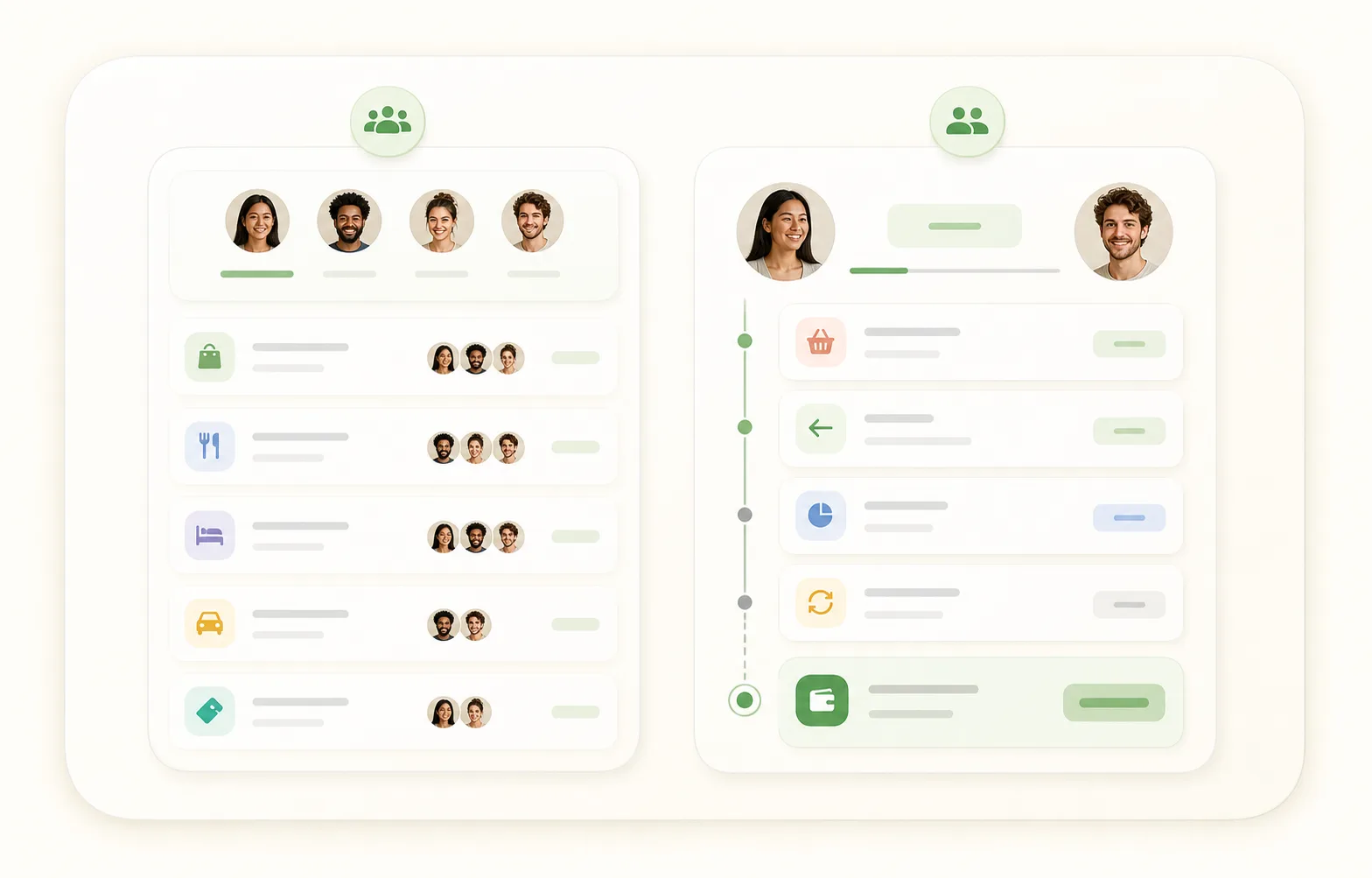
A shared expense app is best when the group needs one collaborative place to add and split expenses. A running balance app is best when the money keeps changing after the first split and you need to know who owes whom now.
Use a split calculator when
You only need to divide one bill, meal, purchase, or shared cost and everyone will settle right away.
Use a shared expense app when
Several people want to join the same group, add expenses themselves, and settle from one collaborative ledger.
Use Group Paybacks when
One person paid first for a group gift, tickets, dinner, deposit, booking, or shared purchase, and now needs to track who paid, who partly paid, and who still owes.
Use a running balance app when
The same people keep having expenses, repayments, partial repayments, recurring costs, or follow-ups, and the important question is the current balance.
Use one-person tracking when
One person can maintain the record and share details only when needed.
Use Live Link when
One person maintains the record while the other person needs an always-current, read-only browser view without installing the app.
Use Balance Sync when
Exactly two people both use You Owe Me and want supported entries for one ongoing balance to stay updated across their phones.
The core difference: shared ledger vs running balance
Both models can involve shared expenses, but they solve different problems. A shared expense app organizes the group ledger. A running balance app keeps the current answer clear after real life changes the original split.
For a plain-English definition before comparing tools, read What Is a Running Balance Between Two People?.
Shared expense app
Best for a collaborative ledger
- Several people add expenses to the same group.
- Everyone can see or manage the shared record.
- Useful for trips, shared houses, group plans, and group-ledger workflows.
- The main question is: who paid for what, and how should the group settle?
Running balance app
Best for an ongoing current balance
- One person can keep the record privately.
- Use Live Link when the other person only needs an always-current browser view without the app.
- Use Balance Sync when exactly two people both want to add or update supported connected entries.
- Expenses, repayments, partial repayments, and recurring costs update one current balance.
- The main question is: who owes whom now, and what should happen next?
If the split is the whole problem, a shared expense tool may be enough. If the split is only the beginning, a running balance is usually easier to trust later.
Decision table: which model fits your situation?
Use this table to choose by workflow, not by app category. The right system depends on who needs to add entries, whether the balance keeps changing, and whether a clear next message matters.
| Situation | Shared expense app fits when… | Running balance app fits when… | Best next step |
|---|---|---|---|
| One dinner, bill, or purchase | Usually more than you need unless the group wants a shared record. | Useful only if the amount will stay open or connect to other money history. | Use the Split Expense Calculator first. |
| Group trip or weekend plan | Several people are adding expenses, receipts, and settlements into one group ledger. | One person mostly paid first, or the real issue is tracking paybacks and per-person balances afterward. | Use a shared expense app for a full group ledger; use Group Paybacks when one person paid first. |
| Group gift, tickets, booking, or deposit | Multiple organizers need to add different costs to the same group. | One person paid first and needs to see who paid, who partly paid, and who still owes. | Use the Group Payback Calculator or Group Payback Tracker. |
| Roommate bills | Everyone in the household wants to add expenses to one shared house ledger. | One roommate often keeps the record and shares a Live Link, or exactly two roommates use Balance Sync to update one supported balance from either phone. | Use the Roommate Bill Split Calculator for one month; use a running balance when history continues. |
| Couple shared spending | Both partners want a shared expense ledger and frequent settle-ups. | The couple wants one relationship-centered balance, with either one-person Live Link visibility or two-way Balance Sync participation. | Use the Couple Shared Expense Balance Calculator for one month, read what to do when you pay more than your partner if the expectation is unclear, or use an ongoing running balance when shared spending keeps changing. |
| Family or parent reimbursements | Several family members actively add and manage expenses together. | One person pays for parent bills, pharmacy pickups, subscriptions, or family purchases and records reimbursements later. | Use the family reimbursement tracker or a running balance app. |
| Temporary financial support | Usually not the right model because this is not a group split. | Support, repayment progress, partial repayments, and check-ins need a clear ongoing record. | Use the Temporary Financial Support Tracker. |
| Repeated friend IOUs | Useful only if the friends want a shared group ledger. | Better when small costs, repayments, and follow-ups keep happening with the same person. Use Live Link for visibility or Balance Sync when both people want to maintain the supported balance. | Use the Running Balance Calculator, then save the record in You Owe Me if it continues. |
| Simple client or side-work balance | Usually not the right model. | Useful for lightweight personal records, deposits, partial payments, or payment confirmation. | Use a proper accounting system for formal business accounting; use You Owe Me only for simple private records. |
| Exactly two people both want editing access | They want that activity inside a broader group-expense workspace. | They want one private relationship balance with supported entries synchronized across both apps. | Review Balance Sync, then choose the model that matches the wider workflow. |
| Only one person wants the app | Usually less suitable when joining the group is required. | One person keeps the record and shares an always-current Live Link without requiring the other person to install the app. | Review the one-person sharing workflow. |
The pattern is simple: use a shared expense app when many people need to manage the same ledger. Use a running balance when the important thing is the current amount, the history behind it, and the next clear step.
After the split
The real difference appears after the split
At the start, many money situations look like a simple shared expense. The problem changes when people repay later, pay only part, add another cost, or let a recurring bill renew. That is when the first split stops being the full answer.

| Step | What happens | Why the first split is no longer enough |
|---|---|---|
| 1. Original shared cost | You pay $120 for tickets for four people. | The first split says each person’s share is $30, but it does not show repayment progress yet. |
| 2. Some people repay | One person pays $30, another sends $15, and one person has not paid. | Now you need paid, partly paid, and still-open status. |
| 3. Another shared cost happens | The same friend pays $24 for a ride you both used. | The current balance may change instead of staying as the original ticket amount. |
| 4. A recurring cost renews | A subscription or household bill renews before the old amount is settled. | The question becomes who owes whom now, not what the first expense was. |
| 5. A reminder or update is needed | Someone asks what they still owe, or you need to follow up calmly. | The record needs history and context, not only a number. |
A shared expense app can be the right tool when the group is managing one shared ledger. A running balance is better when each new event changes the current answer.
When a running balance app is the better choice
A running balance app fits when the original split is not enough because the relationship keeps generating money history.
Repeated shared money
The same people keep paying for things over time.
Flexible participation
Keep the record private when that is enough. Share a Live Link if the other person needs an always-current browser view without the app. Use Balance Sync if exactly two people both want to add or update supported connected entries from their own phones.
Repayments happen later
The record needs to track repayments after the first shared expense.
Partial repayments happen
Someone pays part of the amount, and the remaining balance still matters.
Recurring costs repeat
Subscriptions, utilities, rent extras, or family costs can renew before the old amount is settled.
Old and new mix
Old balances and new costs mix together, so isolated splits become hard to trust.
The direction can change
The balance can flip direction when the other person pays for something next.
The next message matters
The next message needs to be calm, specific, and based on real history.
The goal is not to make money between people heavier. The goal is to keep enough clarity that the conversation stays easier.
Examples by relationship
The same comparison shows up in different relationships. The right tool depends less on the label and more on how the money moves.
Friends
For one dinner or taxi, a split calculator is usually enough. For repeated IOUs, tickets, rides, partial repayments, or awkward follow-ups, a running balance is easier than rebuilding the story from messages.
Roommates
A shared expense app can work if every roommate wants to enter expenses. A running balance works better when one person often pays utilities, household supplies, or rent extras and the balance carries forward.
Couples
Couple spending is not only math. A shared ledger can feel too transactional if every small purchase becomes a settle-up. A running balance can keep clarity without constant scorekeeping.
If one partner has become the default payer, start with the guide to deciding what should be ignored, split, reimbursed, or carried forward.
If you keep separate bank accounts and first need to decide what belongs in the shared layer—not which app model to use—start with how to track shared expenses without a joint account.
Family
Family reimbursements often start with one person paying for a parent, sibling, subscription, or household cost. A running balance can keep the record clear without asking everyone to manage another shared ledger.
Group paybacks
If one person paid first for a group gift, tickets, dinner, deposit, or booking, a split calculator gives the shares. Group Paybacks help after that, when you need to track who paid, who partly paid, and who still owes.
Temporary support
Temporary support is usually not a shared expense app problem. It needs a clear record of what was covered, what has been repaid, what remains open, and what update or check-in may make sense.
Common mistakes when choosing a money-tracking system
Choosing by app category instead of workflow
Do not start with “Which app is popular?” Start with “Who needs to add entries, and what will become unclear later?”
Using payment history as the whole record
A transfer can show that money moved, but it may not show what it covered, whether it was partial, or what remains open.
Marking a partial repayment as finished
If someone pays part of their share, keep the original amount and the remaining balance visible.
Forcing everyone into an app too early
Sometimes one person can keep the record and share a clear summary, statement, or Live Link when needed.
Using a running balance when the group truly needs a shared ledger
If many people need to add expenses themselves, use a collaborative shared expense app instead.
Product fit
How You Owe Me fits when the balance keeps changing
You Owe Me is built for the part that comes after the first split: the current balance, the repayment history, the reminder, the receipt, the shared statement, and the next message.

One running balance per person
Expenses, repayments, partial repayments, and adjustments update one current balance so you can see who owes whom now.
Group Paybacks for one shared cost
When you paid first for a group cost, track who paid, who partly paid, and who still owes without turning it into a full collaborative group ledger.
Partial repayments stay visible
Record money that came in without losing the remaining amount or rewriting the original share.
Recurring entries
Keep repeated rent extras, subscriptions, utilities, family costs, or shared household expenses attached to the real balance.
Money Conversations
Use the actual balance and history to draft calmer follow-ups or repayment updates that you can review before sending.
Live Link when only one person needs the app
One person maintains the balance in You Owe Me. The other person opens one always-current, read-only browser link to see the latest balance and history without installing the app or creating an account.
Balance Sync for exactly two people
Privately connect one supported balance across two You Owe Me accounts. Changes made from either phone synchronize when the app can connect, while each person keeps a separate record and sees the balance from their own perspective.
Statements and receipts
Create clearer summaries, repayment receipts, or statements when the other person needs context.
Track the balance that keeps changing
Use You Owe Me when the split, repayments, history, and next message need one calm place to live.
Real App Store review patterns
Real users use You Owe Me for this kind of changing balance
The same patterns show up in real App Store reviews: recurring charges, repayments, family and partner balances, daily records, reminders, and clear history when money keeps moving between people.
Recurring shared money
Built for balances that keep changing
A featured review describes using You Owe Me for parent accounts, bills, partner balances, loans, repayments, and recurring charges.
Awkward follow-ups
Clear records make the conversation easier
Another review highlights the practical relief of opening the app and seeing the balance instead of rebuilding the story from memory.
Everyday records
Simple enough to keep using
Reviews also mention daily financial logs, notes on transactions, reminders, recurring entries, clean UI, and clear records that stay easy to use over time.
When You Owe Me is not the right tool
A trustworthy comparison should also say when another system fits better.
- Use a bank or payment app when you need to move money.
- Use accounting software for bookkeeping, invoices, payroll, tax records, or official business reporting.
- Use legal advice or a formal agreement when the situation requires legal terms or enforcement.
- Use a full collaborative shared expense app when everyone needs to join one shared group ledger and add expenses themselves.
- Use a simple note or calculator when the amount is tiny, clear, and will be settled immediately.
You Owe Me fits best as the calm record and communication layer for money between real people, especially when the current balance, repayment history, sharing, or next message needs to stay clear.
Shared expense app vs running balance app FAQ
Is a shared ledger app the same as a running balance app?
Not exactly. A shared ledger app usually means several people or one household records expenses in a shared ledger. A running balance app focuses on the current balance between people after expenses and repayments keep changing. You Owe Me is best when the important question is what is still owed now.
When should I use a shared expense app?
Use a shared expense app when everyone wants to join the same group, add expenses themselves, and settle from one shared ledger. This is often useful for group trips, shared houses, events, and groups where everyone participates in the record.
When should I use a running balance app?
Use a running balance app when the same people keep having money events over time and the important question is who owes whom now. It is especially useful for partial repayments, recurring costs, old balances, and follow-ups.
Do both people need to use the same app?
Not always. One person can maintain the record and share a message, statement, receipt, or always-current Live Link. If exactly two people both want to add or update supported connected entries, they can use Balance Sync, which requires both participants to use You Owe Me and Sign in with Apple.
Is a split calculator enough?
A split calculator is enough when you only need one number and everyone will settle immediately. It is not enough when people repay later, pay only part, or when new expenses change the balance.
Where do Group Paybacks fit?
Group Paybacks fit between a split calculator and a full group expense app. They are useful when one person paid first for a group gift, tickets, dinner, booking, deposit, or shared purchase and needs to track who paid, who partly paid, and who still owes.
Is You Owe Me a replacement for Splitwise?
Not for every situation. Use a full collaborative shared expense app when several people need to join one group ledger and add expenses themselves. Use You Owe Me when the main job is an ongoing per-person balance, repayment history, reminders, communication, one-person browser sharing through Live Link, or private two-person participation through Balance Sync.
Can I use a spreadsheet instead?
Yes, if you want manual control and will keep it updated. A spreadsheet can work for simple records. A running balance app becomes easier when repayments, partial repayments, recurring entries, reminders, and communication need to stay connected.
Does Balance Sync turn a running balance into a group ledger?
No. Balance Sync connects exactly two people and one supported balance. It does not support several participants, Group Paybacks, or group settlement across multiple payers.
Does Live Link update when the balance changes?
Yes. One person maintains the record in You Owe Me, and the same browser link shows the latest balance and history as that record changes. The viewer has read-only access and does not need the app or an account.
Choose the system that will still be clear later
The best tool is not always the one with the most features. It is the one that keeps the right thing clear: the split, the group ledger, the current balance, or the next message. If the balance keeps changing, You Owe Me keeps the record, history, and communication together.
Updated