Free browser tool
Group Payback Calculator
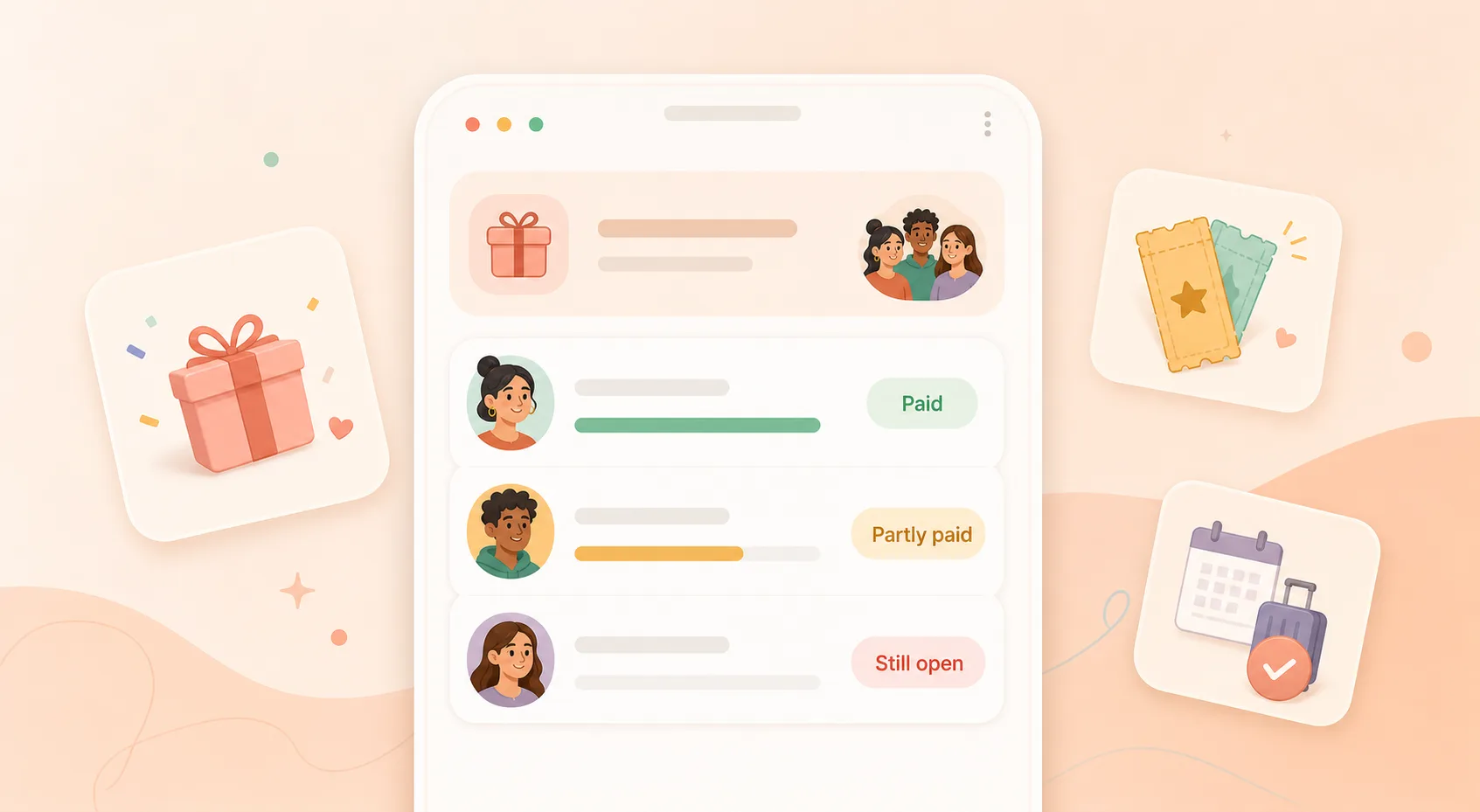
Calculate each person’s share, subtract what they already paid back, and see who is paid, partly paid, or still open.
Use this when you paid first for a group gift, dinner, tickets, booking, deposit, or shared purchase and people are paying you back later. Enter the total, who was included, and what each person already paid back. The calculator will show who is paid, who partly paid, and who still owes.
A split calculator tells you each person’s share. A group payback calculator helps after that, when you paid first and need to track who paid you back, who partly paid, and who still owes.
If everyone is paying immediately and you only need each person’s share, use the Split Expense Calculator. If paybacks stay open, this tool helps you track the status.
This calculator runs in your browser. The values you enter are not sent anywhere or saved to an account.
Browser calculator
Calculate your group payback status
Start with the original group cost. Then add each person’s share and what they have already paid back. Keep the original share visible so a partial payment does not get mistaken for being settled.
Still deciding each person’s original share? Use the fair bill-splitting guide before checking paid, partly paid, and open amounts.
Your calculation stays in this browser. Use You Owe Me if you want a lasting record you can update later.
Result
Your group payback status
$150.00 still open from 3 people.
Leo partly paid. Sam and Nina still have open shares.
Total cost
$360.00Payer’s own share
$60.00Expected back from others
$300.00Paid back so far
$150.00Still open
$150.00Paid
2 peoplePartly paid
1 personStill open
2 people| Person | Share | Paid back | Still open | Status | Next action |
|---|
Copyable updates
Copy a clear group payback update
Once the numbers are clear, the message can stay simple. Use the version that matches what is happening now. If you want more wording options, try the Polite Payback Reminder Generator.
Once the status is clear, the next step is usually the message. Use the group reminder workflow to send one neutral group update, then follow up individually only with people whose shares are still open.
Group update
Individual reminder
Partial payment acknowledgment
Closing message for later
Record note
Best next step
Need this list to stay updated?
This calculator gives you the status now. You Owe Me helps when people pay later, partly pay, need reminders, or when the group payback should stay connected to each person’s balance.
- Mark people as paid, partly paid, or still open
- Keep the original cost and each repayment in one place
- Send calmer reminders with the real amount
- Connect group paybacks to each person’s running balance
- One person can keep the record - others do not need to install the app
Haven’t booked yet? Decide whether the fixed trip share should be collected before booking or due before departure before you start tracking payback status.
Static example
Example: tracking a cabin deposit
You paid $360 for a cabin booking deposit for six people, including you. The equal share is $60 each. Your own share is covered because you paid first. Alex and Maya paid in full, Leo sent $30, and Sam and Nina have not paid yet.
| Person | Share | Paid back | Status | Open |
|---|---|---|---|---|
| You | $60 | Paid first | Own share covered | $0 open |
| Alex | $60 | $60 | Paid | $0 open |
| Maya | $60 | $60 | Paid | $0 open |
| Leo | $60 | $30 | Partly paid | $30 open |
| Sam | $60 | $0 | Still open | $60 open |
| Nina | $60 | $0 | Still open | $60 open |
Total paid back: $150. Total still open: $150.
The important part is that Leo is not marked as paid just because money came in. The original share stays visible, the partial payment is recorded, and the remaining amount is clear.
What this group payback calculator does
This tool starts with one shared cost that one person paid first. It calculates each person’s share, subtracts what each person already paid back, and turns the result into a clear paid / partly paid / still open list.
Need the manual workflow before using the calculator? Read how to track who paid you back for a group expense.
- calculate equal or custom shares
- track full and partial paybacks
- show the amount still open for each person
- create a group update
- create individual reminders
- create a record note you can save in You Owe Me
Still open = agreed share - amount paid back
Keep the original share and the repayment separate. Do not erase the original share when someone pays part of it.
Use this when you paid first and people repay later
Group gift
One person buys the gift and others send their share afterward.
Tickets
You bought seats together and people pay you back later.
Dinner where one person paid
One card covered the table and the paybacks happen after the meal.
Vacation deposit
A booking deposit needs a clear list of who has sent their part.
Shared booking
Rooms, reservations, cabins, or rentals can stay open while people repay.
Office or team gift
One person can keep the contribution list without making it awkward.
One shared purchase
Use it for one clear cost, not a full multi-expense group ledger.
When another tool is better
| Situation | Best next step |
|---|---|
| You only need to divide one bill and everyone will pay right away | Split Expense Calculator |
| One person already paid part of one known amount | Partial Repayment Calculator |
| You paid first and people will pay you back later | Group Payback Calculator |
| Some people paid, some partly paid, and some still owe | Group Payback Calculator or You Owe Me Group Paybacks |
| The same two people keep exchanging money over time | Running Balance Calculator |
| Several roommate bills need one monthly settle-up | Roommate Bill Split Calculator |
| Partner spending needs a fair split rule | Couple Shared Expense Balance Calculator |
| Someone already paid and you need to confirm it | Repayment Receipt Generator |
| Everyone wants to join the same shared group ledger and add expenses themselves | Compare shared expense apps and running balance apps; if the brand-style choice is Splitwise vs You Owe Me, read the Splitwise alternative. |
| The payback list will keep changing and you want history, reminders, and running balances | Group Payback Tracker or Shared Expense Tracker |
Calculator vs app
When the calculator is enough - and when You Owe Me helps
A calculator is enough when...
- you only need one quick status check
- everyone will pay soon
- there are no more partial payments expected
- you do not need a lasting history
- you only need to copy one message
You Owe Me helps when...
- people pay on different days
- someone pays only part of their share
- you need to remind specific people
- the group payback should stay connected to each person’s balance
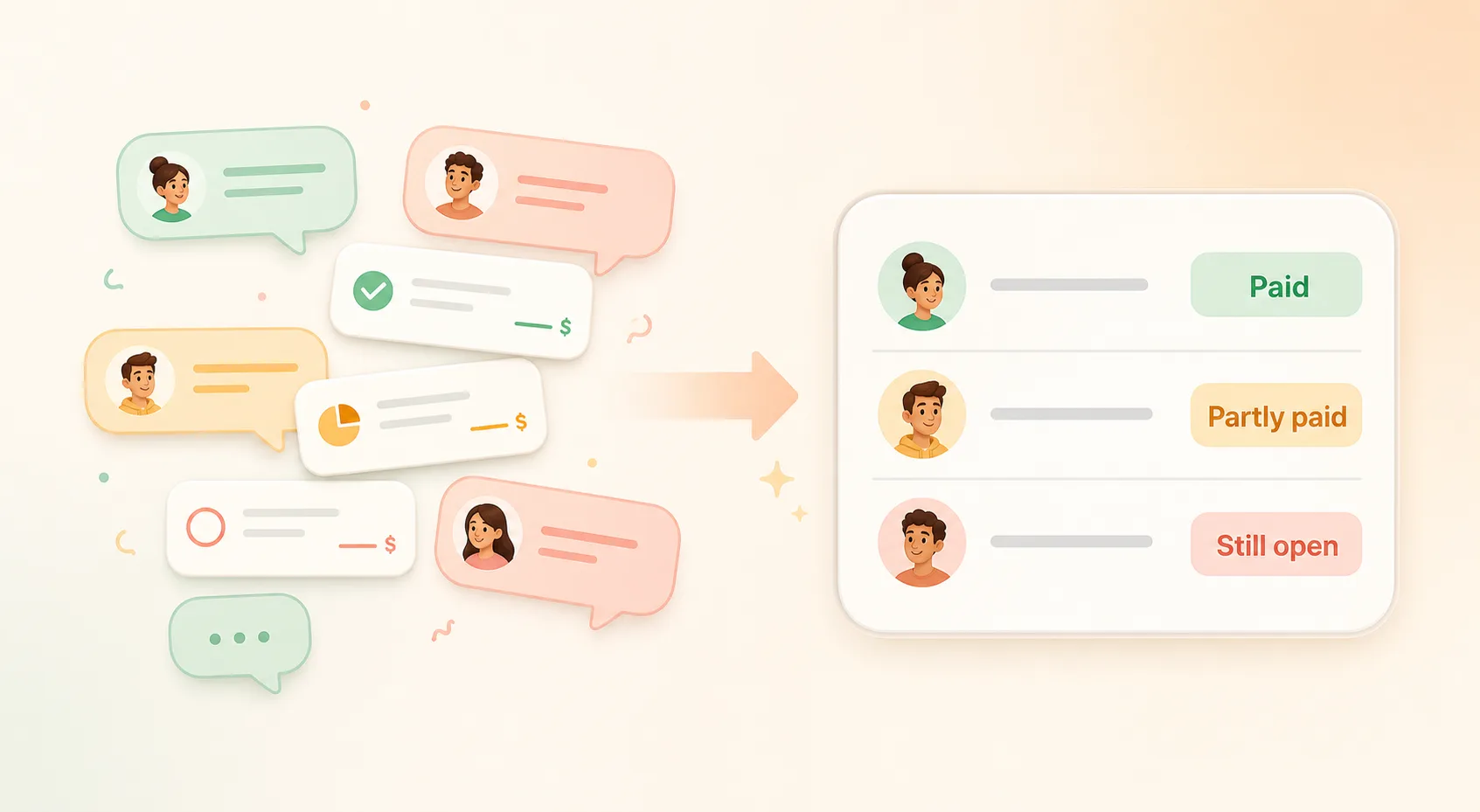
- you do not want to rebuild the situation from chat messages
- you want a clear record even if nobody else installs the app
You Owe Me does not process payments, lend money, or collect money for you. It helps you keep the record, history, reminders, and communication clear.
If you are not sure whether this should be a calculator, spreadsheet, split app, or IOU tracker, compare the best ways to track IOUs between people before choosing a system.
Common group payback mistakes
Only saving the final amount
Keep the original total, each share, and repayments separate. Otherwise a partial payment can make the record confusing later.
Marking someone as paid after a partial payment
If someone sent half, mark the payment and keep the remaining amount visible.
Relying only on chat messages
Chats are useful for context, but the latest status can get buried.
Forgetting your own share
If you were part of the split, your own share is covered by paying first. Do not ask others to repay your share.
Using a full group app for a simple one-person payback list
If everyone wants a shared ledger, a collaborative expense app can be better. If you mainly need to track who paid you back, a lightweight record is enough.
Group payback calculator FAQ
Is this the same as a split expense calculator?
No. A split expense calculator tells you what each person should pay. This calculator helps after you paid first, when you need to track who paid back, who partly paid, and who still owes.
Should I include myself if I paid first?
Yes, if you were part of the group cost. Your own share is covered because you paid first. If you only paid on behalf of others and were not part of the split, turn off the payer-included option.
How do I track a partial payback?
Enter the person’s full agreed share, then enter how much they already paid back. The calculator keeps the remaining amount visible instead of marking the person as fully paid.
Can I use custom shares instead of equal shares?
Yes. Use custom shares when people agreed to different amounts. The page warns you if the custom shares do not add up to the original total.
Does this calculator save my group payback?
No. It runs in your browser for a quick calculation. Use You Owe Me if you want to keep the payback list updated later.
Do other people need to install You Owe Me?
No. One person can keep the record and share a clear message, summary, or update when needed. For the broader workflow, read the one-person shared-money tracking guide.
What if several people paid for different expenses?
Use the Split Expense Calculator or a running balance tool if there are multiple expenses from different payers. This page is best for one group cost that one person paid first.
Can I use this for group gifts, tickets, dinners, deposits, and bookings?
Yes. Those are the clearest use cases: one person pays first, then others repay their shares over time.
Related resources
Related tools and guides
If a refund, replacement, or cancellation changed the original shares, recalculate the shared cost first before checking paid and open amounts.
Money Tools and Templates
Browse the full hub for calculators, generators, examples, and templates for everyday money between people.
Back to toolsSplit Expense Calculator
Use this first if you only need to divide the cost and find each person’s share.
Calculate a splitGroup Payback Tracker
Use You Owe Me when the payback list needs to stay updated as people pay later.
See the trackerHow to Track Who Paid You Back for a Group Expense
Read the manual method and examples before choosing a tool.
Read the guideSplit first, then track paybacks
Use this when the situation mixes people paying first, later repayments, partial payments, or additional shared costs.
Choose between split, running balance, and group paybackRunning Balance Calculator
Use this when the same two people keep exchanging money over time.
Calculate a balancePartial Repayment Calculator
Use this when one known amount has already been partly repaid and you need the remaining balance.
Calculate what remainsPolite Payback Reminder Generator
Use this when the amount is clear but the wording feels awkward.
Write a reminderGroup Payback Reminder Guide
Use this after paid, partly paid, and still-open status is clear and you need one group update plus private follow-ups.
Use the group reminder workflowRepayment Receipt Generator
Use this after someone pays and you want to confirm what changed.
Create a receiptShared Expense Tracker
Use this when shared costs keep happening over time and a one-time group payback is only part of the story.
Open shared expense trackerShared Expense App vs Running Balance App
Use this when you are deciding whether a collaborative shared ledger or a running balance fits better after paybacks start changing the record.
Compare the modelsSplitwise Alternative
Compare collaborative group ledgers with You Owe Me’s one-person payback and running-balance workflow.
Compare optionsTrack group paybacks without losing the thread
A calculator can show the status once. You Owe Me helps when the status keeps changing - people pay later, partial paybacks happen, reminders are needed, and each person’s balance should stay clear.
- Track paid, partly paid, and still open
- Keep the original group cost and repayments together
- Send clearer reminders
- Keep each person’s running balance accurate
- One person can manage the record
Updated